

Slice your email designs automatically
Drop in your finished email design and get a ready-to-edit campaign, with every section as its own linkable image through automatic image slicing.
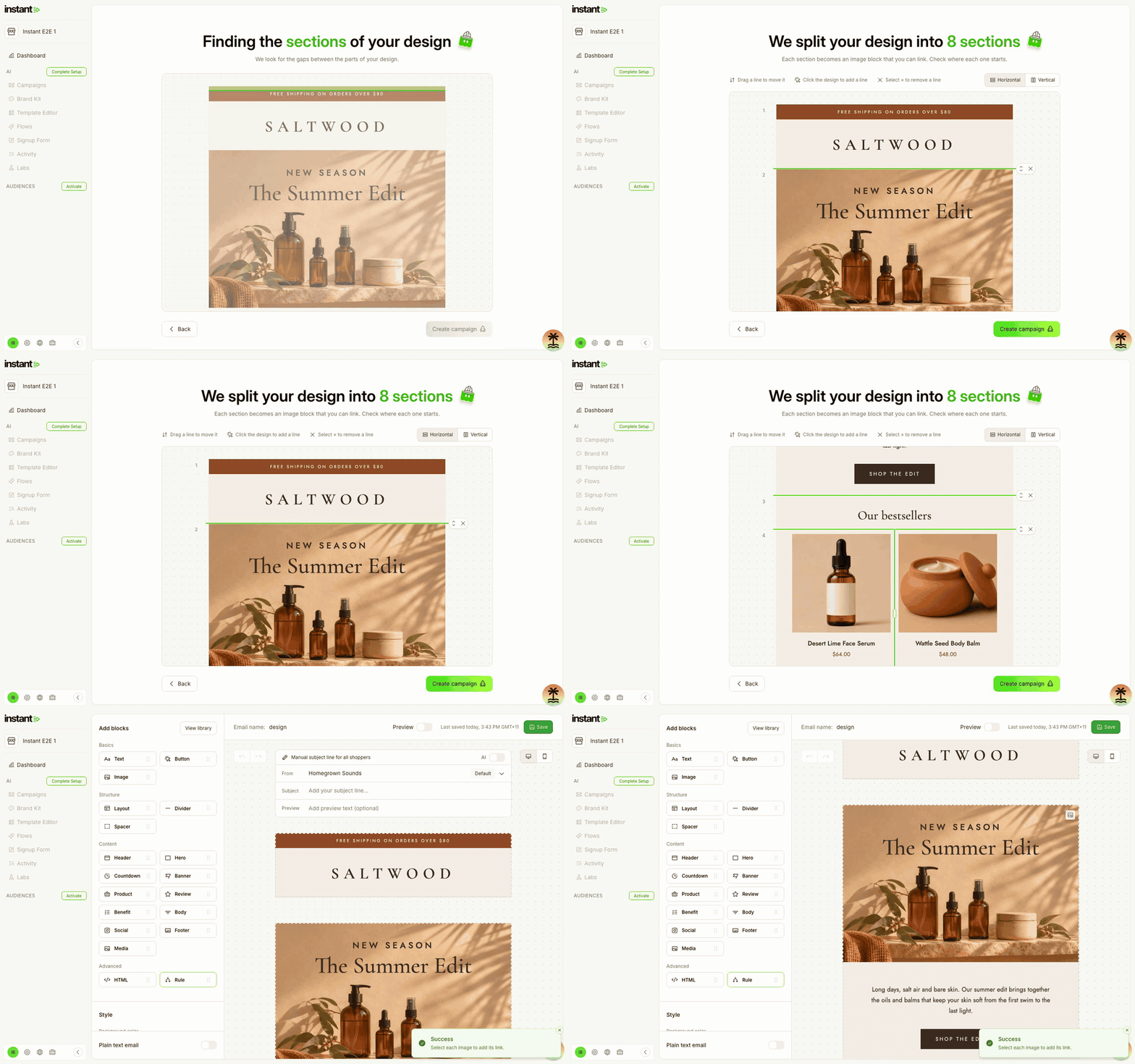
Designs from Canva or Figma often export as one tall image, and cutting it into pieces by hand is slow. Now you drop it in, check the slices we suggest, and get a campaign that you can add links to and send.
- Drop in one tall PNG or JPG of your email, and we suggest where each section starts
- Side-by-side products and buttons each get their own image, so each one can link to its own page
- Move, add or remove any cut before you create the campaign
- Find it when you start a new campaign: "Start from your own design".