

Self-serve changes to domains and subdomains
Configure and change your own sending subdomain without going through support.
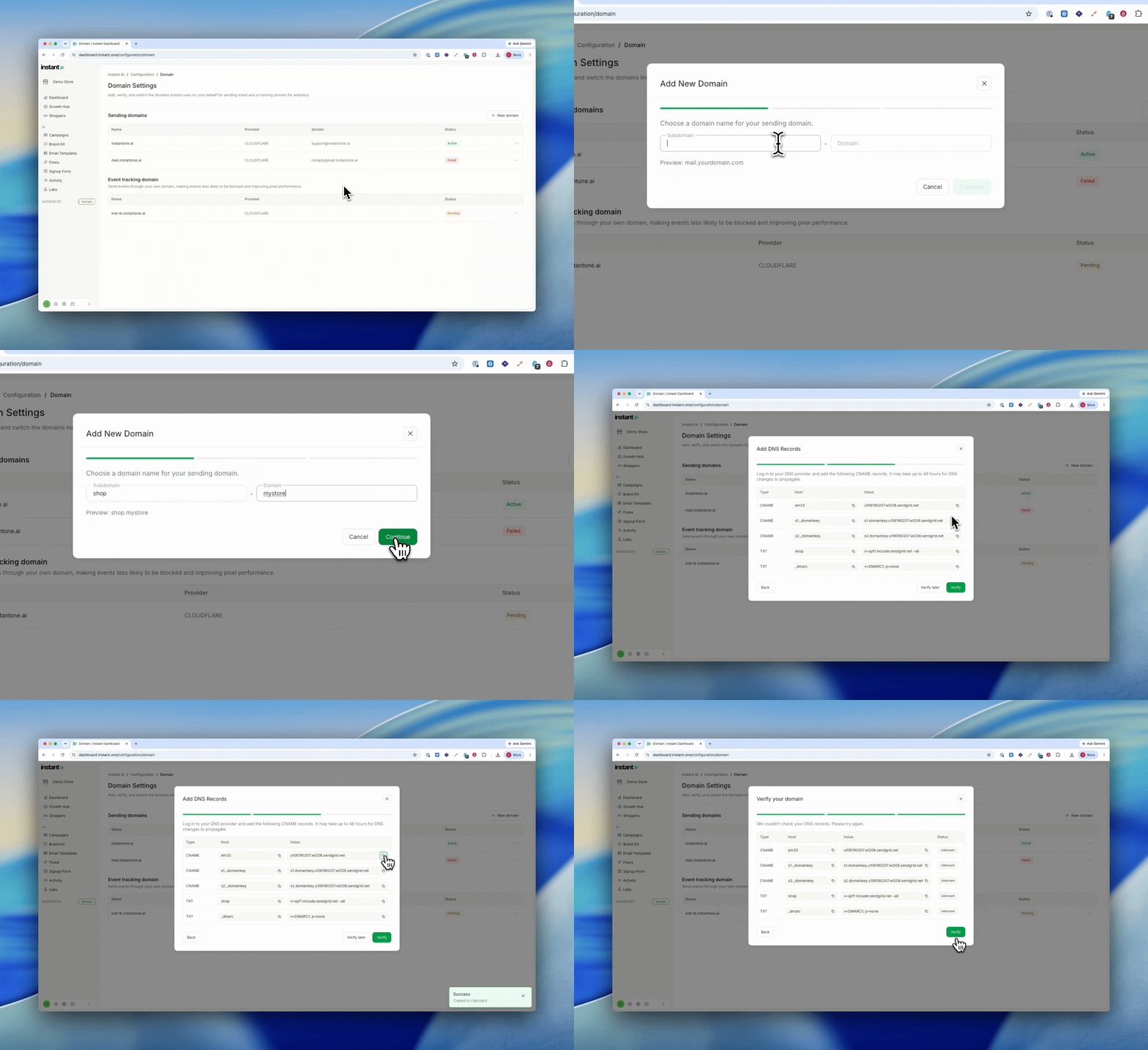
- Configure and change your own sending subdomain, without going through support
- Choose the subdomain name you send from (for example, mail. or send.)
- Get a fresh set of DNS records to add every time you create a new domain
- Once a domain is authenticated, pick which one Instant sends from
- Find it under
Settings>Domain