

Drag and drop improvements in the email editor
Drag blocks from the gallery onto the canvas so you control exactly where each one lands.
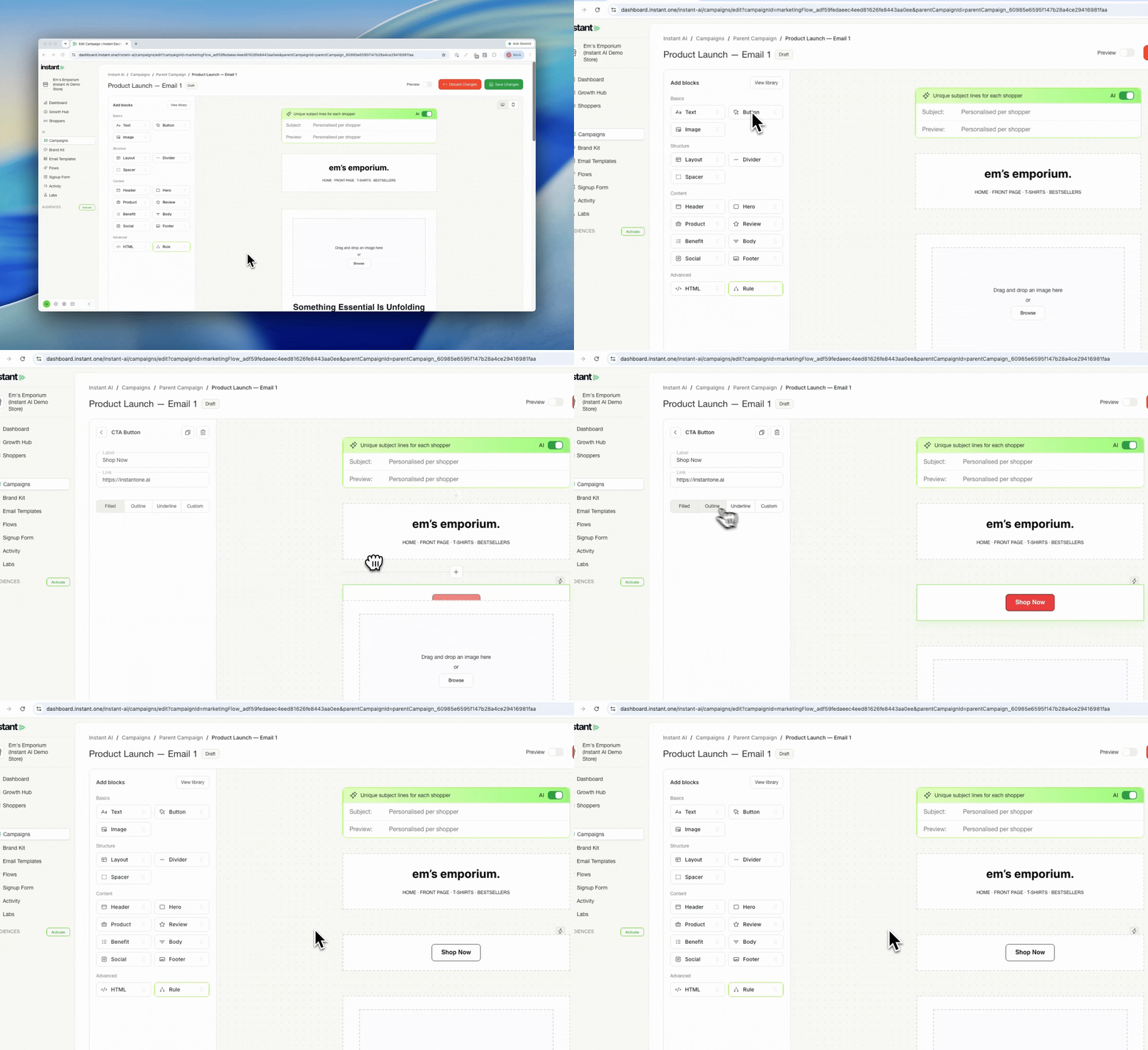
Placing blocks used to mean clicking and then dragging them into position after they landed in the middle of the canvas. Now you can drop a block exactly where you want it in one move, which makes building and rearranging emails quicker. If you liked the old click to insert flow, nothing changes, it still works alongside drag and drop.
- Drag blocks straight from the gallery on the left onto the canvas, so you control exactly where each one lands
- Prefer clicking? A click still auto-inserts the block into the middle of your canvas, so both methods work
- The side panel now shows all available blocks by default, so you can reach them faster without opening the library every time
- Find it in the email editor