

Configurable stock thresholds for Back in Stock and Low in Stock
Set your own unit threshold for the Back in Stock and Low in Stock flows instead of the fixed 10 units.
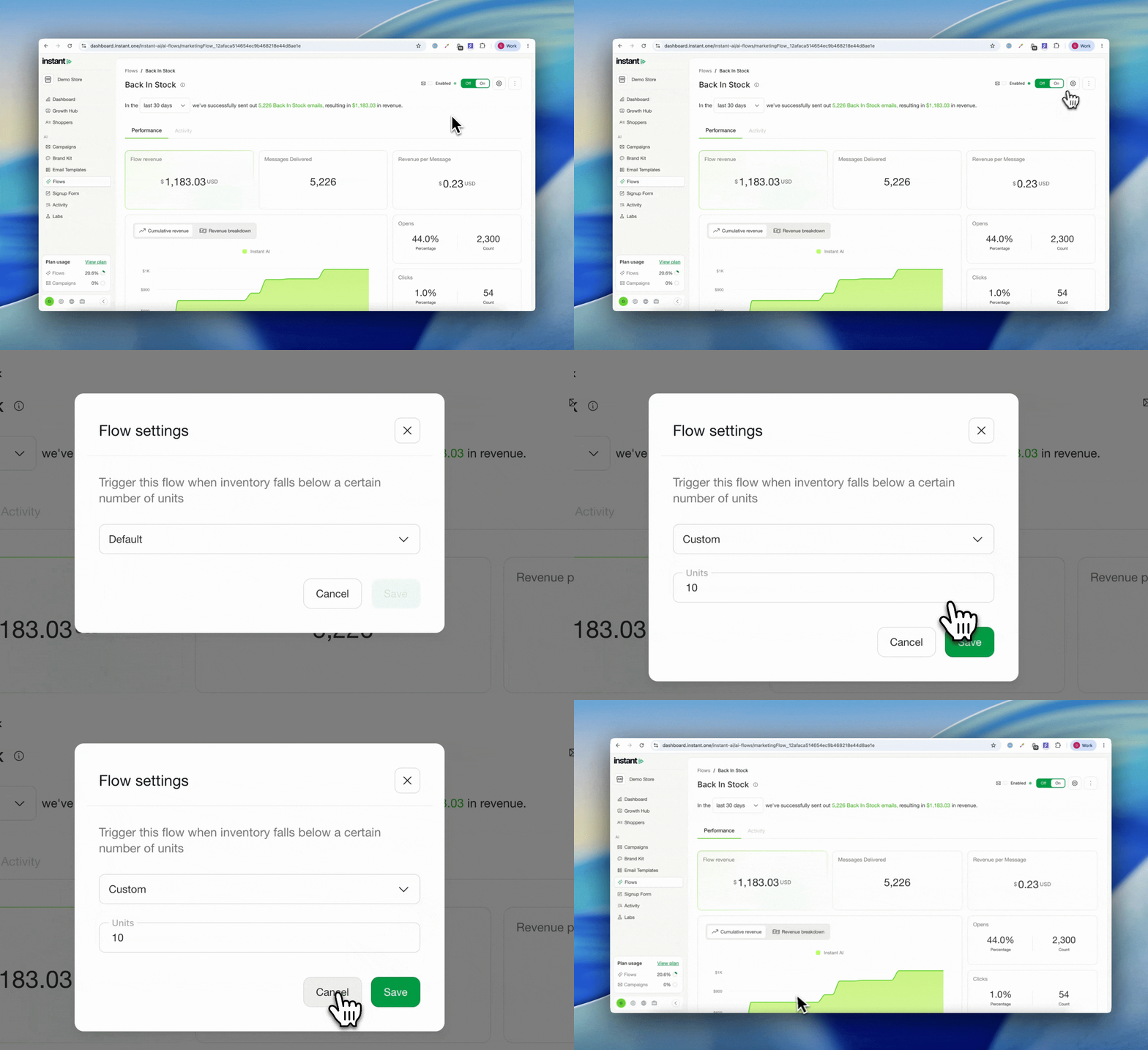
- Set your own unit threshold for the Back in Stock and Low in Stock flows, instead of the fixed 10 units
- Choose Default to stay on the standard threshold, or Custom to set your own number of units
- Low in Stock triggers when inventory falls below the number you set. Back in Stock triggers once at least that many units are added back
- One threshold per flow, and you can change it whenever you like
- Saved changes apply to the flow straight away
- Existing flows stay on the 10 unit default until you change them
- Find it under Flows > flow overflow menu > Edit trigger